Workspaces
A workspace is your work environment within BotCity.
Each workspace has its own independent resources, which are directly linked to your current plan.
For example, you can have one workspace for development and another for production, each with its own automations, queues, credentials, and other resources. You can also have workspaces with different modules enabled, such as Orchestrator, Insights, Opportunity Hub, and others.
Tip
See more details about all the features that make up an Orchestrator workspace in the Features sub-menu.
Managing multiple workspaces
In this context, you may belong to a single environment or have access to multiple workspaces.
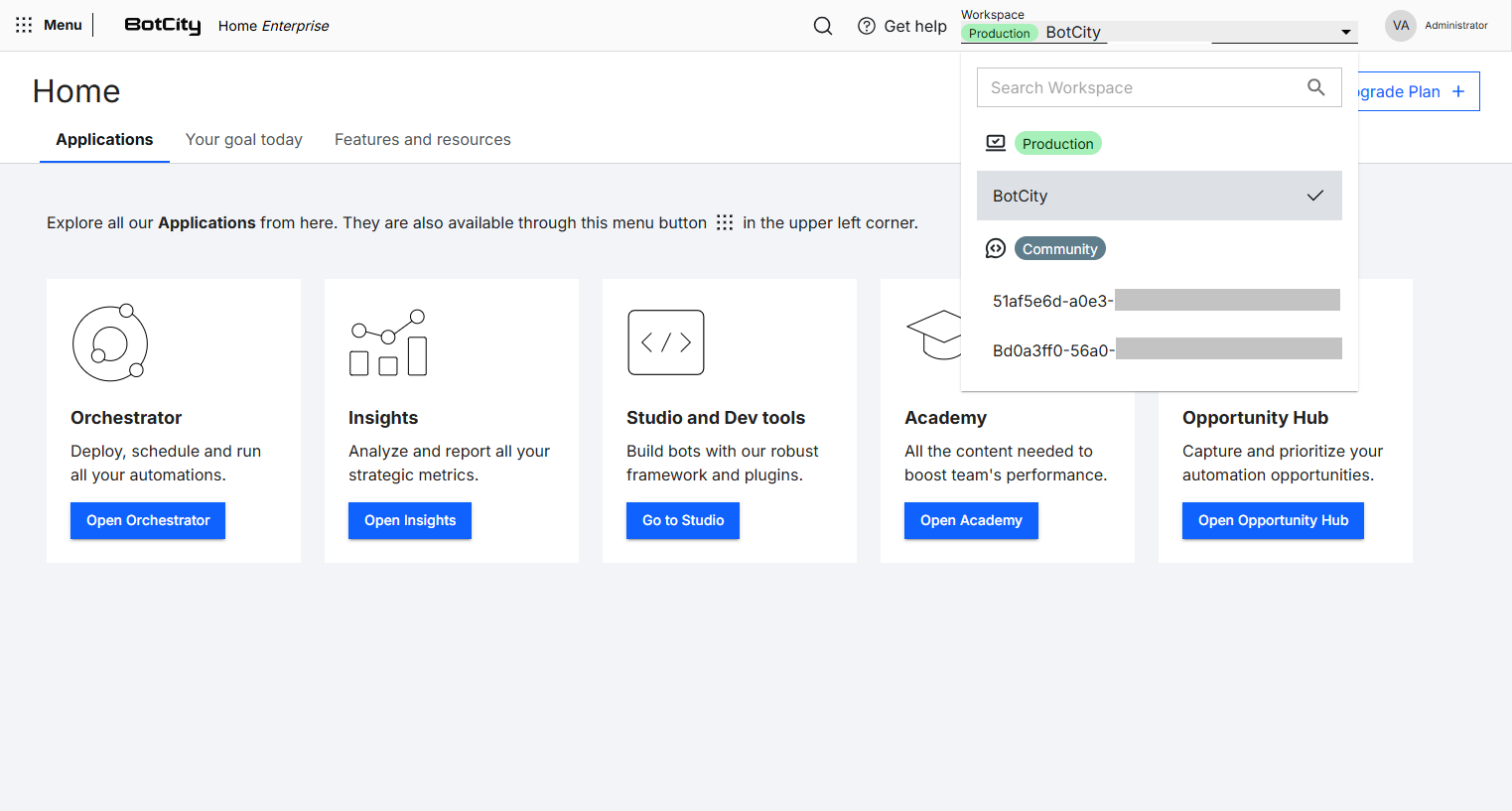
Since each workspace has its own resources, you can use the workspace selector to switch between the environments you have access to, allowing you to access the appropriate environment for each situation.
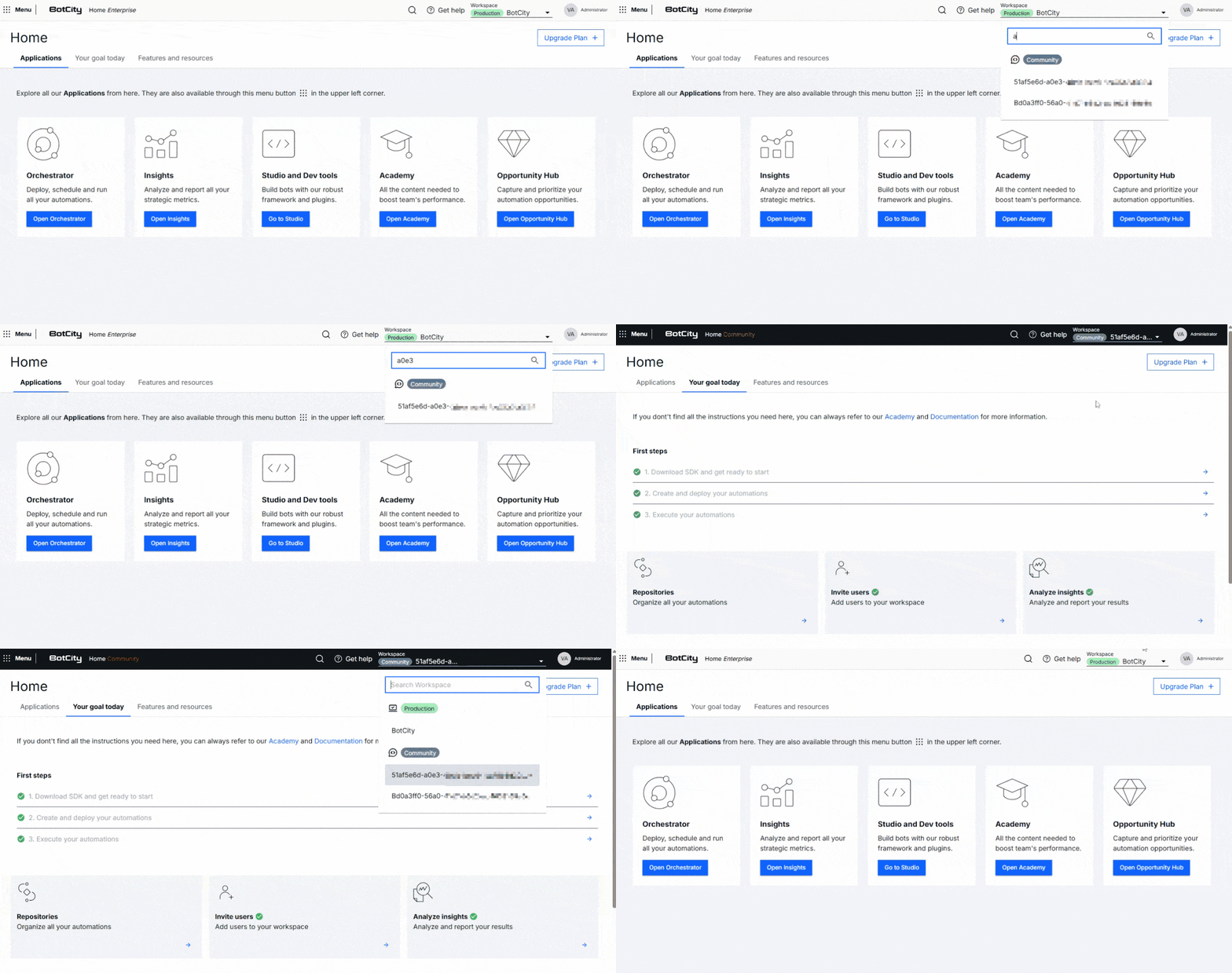
The selector also features identification tags, which indicate whether you are in a production, development, validation, community, or trial workspace.
This feature makes it easier to identify the current work environment and the resources linked to each workspace.
Organization
Specific workspace configurations, as well as user and access management, can be performed by workspace administrators in the Organization module.